My Little Pony Card Opening Card Market Guide
List, buy, and price cards on the phone Market without overpaying chase singles.
What the Card Market is
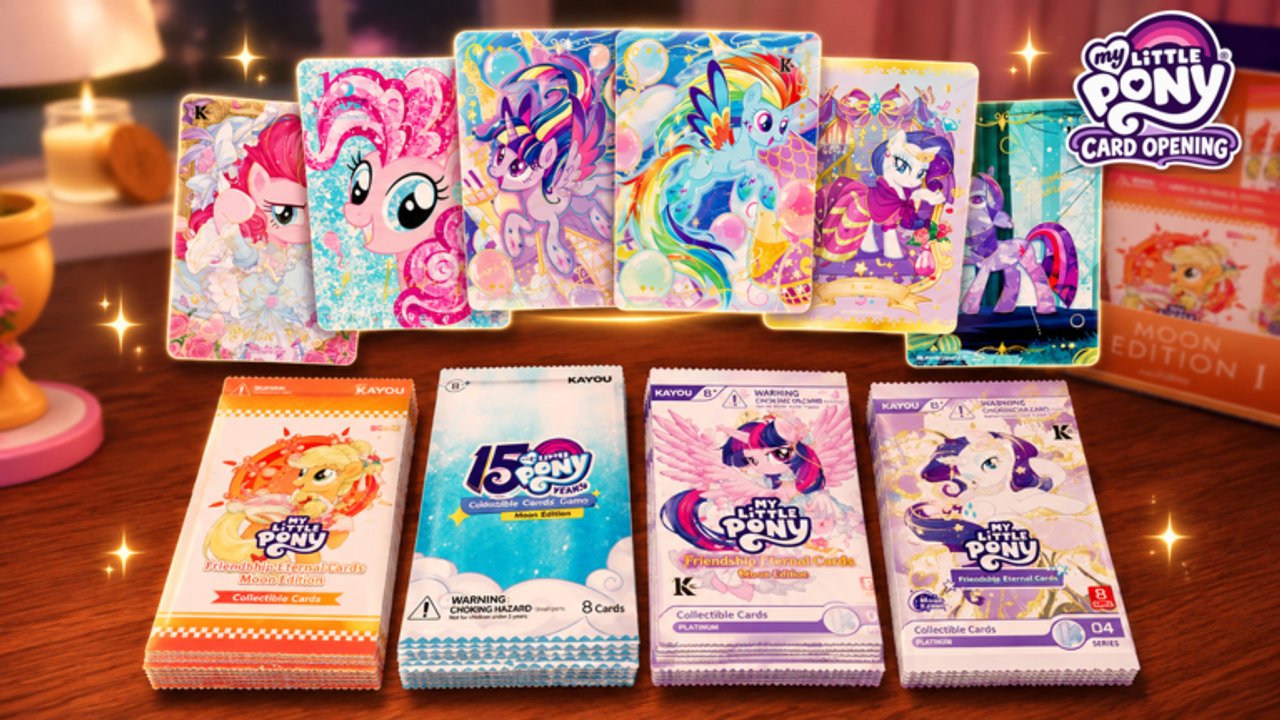
My Little Pony Card Opening by Pony Card Club routes a huge share of mid- and late-game value through the phone Market app. Direct Trade is still useful for 1:1 swaps, but Market is where priced listings live—coins in, cards out, no awkward whisper negotiations. This guide covers opening the app, reading prices against vendor dumps, deciding when a listing beats opening more packs, and tying Market habits to the 24 November 2026 content drop. Pair it with trading, trade safely, rare cards, best packs, earn coins, and the November 2026 notes. Full map: Guides Hub.
Live context as of late November 2026: the place sits around 4.3M+ visits, 97k+ favorites, and busy rooms often near 15k–18k concurrent with a 20-player server size. Binder depth approaches ~3,037 cards, so holes are expensive and Market liquidity matters.
Opening the Market app
- Join the desk experience and finish the basic tutorial if you are brand new (Getting Started).
- Open the in-experience phone menu.
- Launch Market (separate from Trade).
- Browse active listings by set, rarity, or keyword when filters are available.
- Confirm card name, edition, and rarity badge before spending coins.
- After purchase, verify the card lands in your binder before you leave the server.
When you list, pick a price that undercuts stale shelves without freebie-ing HR / SSR / LSR chase cards. Typo prices on mobile are a classic way to donate value—double-check digits.
Pricing: Market vs vendor
Vendor sell prices for duplicates are intentionally low. They are a cleanup tool for R clutter, not a wealth engine. Market listings routinely climb into the thousands of coins, and tracked boards have shown tops near ~24,500 for premium singles. That gap is the whole reason Market exists.
Rules of thumb:
- R duplicates → vendor or low Market bids if inventory is choking the binder UI.
- HR / SSR extras → Market or Trade; vendor is almost always a mistake.
- LSR / chase holos → list patiently; do not panic-undercut after one ignored whisper.
- Compare edition + rarity, not raw count. Five Moon R cards do not equal one Star LSR.
Cross-check rarity language on card rarity before you accept a “fair” offer that quietly swaps tiers.
When to buy listings vs open packs
Shelf packs usually cost about 100–220 coins depending on SKU. That range is your soft EV floor. Buy a Market listing when:
- The sticker price is clearly below what you would spend opening packs for a specific hole.
- The set is new and you need one binder slot filled before a trade window closes.
- You already burned sticky-note and calendar income and still miss one card.
Open more packs when:
- You still need volume for sticky-note pack-count tasks (~1,280 coins on full clears with typical mixes—see earn coins and postcards).
- New SKUs just dropped (Fantasy Wonderland, Nightmare Night, Moon 12, Moon 13, Star I) and Market supply is thin or wildly marked up.
- Golden packs are ready (golden packs) and you want discovery plus free EV.
Use best packs so you are not buying the wrong shelf while trying to “beat” the Market.
November 24 Market emphasis
The 24 November 2026 update is the patch players associate with stronger card market presence, new decor, extra pack lines, and anti-cheat pressure. Expect more listings, more price discovery, and more scammers riding the traffic. Read November 2026 after every shelf change so your buy-vs-open math matches the current SKUs.
ASMR and showcase clips of new packs are useful mood context for set hype, but treat video pull rates as entertainment—not Market pricing gospel.
Listing strategy that survives busy servers
With concurrent counts often in the mid-teens of thousands across the experience, Market turnover can be fast on popular cards and glacial on niche R fillers.
- Relist if the shelf meta shifts after a patch.
- Undercut by a little, not by half, on LSR.
- Keep Keep 1 of each as a binder habit so a later cleanup or script cannot erase your only copy of something you meant to list (sell duplicates).
- Screenshot high-value sales.
- Never move high-value deals into off-platform “middleman” chats—stay inside Trade/Market windows (trade safely).
Coins that feed the Market
Market buying power comes from the same income stack as everything else: sticky notes, calendar gifts (200 / 350 / 500, roughly ~16h cadence), Pony Pairs (~83 per round—see Pony Pairs), postcard progress, and selling true duplicates. There is still no promo code UI—how to redeem explains the empty codes landscape. Do not wait on fake code lists before pricing a listing.
Scripts, snipers, and Market noise
Community hubs may include auto-buy or trade-checker modules (Pony Cards Hub, Scripts Hub). Automation violates Roblox Terms of Use, and the November 24 anti-cheat pass makes noisy farms riskier. Prefer manual Market clicks on any account you care about. Never enable auto-sell without Keep 1 of each.
Desk flex helps listings move
Card stands and décor that showcase HR / LSR act as walking ads on a 20-player server. Cosmetics are optional—see desk customize—but a clean desk starts Trade conversations that later convert into Market sales.
Related pages
Price patiently, confirm every badge, and let Market do the work when Trade chat gets chaotic.
Frequently Asked Questions
Quick answers for My Little Pony Card Opening collectors.
Where is the Card Market in My Little Pony Card Opening?
Open the in-experience phone menu and launch the Market app—separate from the direct Trade app.
Should I vendor or list duplicates on Market?
Vendor low R clutter if needed; list HR, SSR, and LSR extras on Market or Trade for far better coin value.
How high can Market prices go?
Listings can reach thousands of coins; tracked boards have shown tops around 24,500 for premium cards.
When should I buy a listing instead of opening packs?
Buy when the listing costs less than expected pack spend for a specific binder hole; open packs when you need volume, new-set discovery, or golden freebies.